
Configure and publish your widget
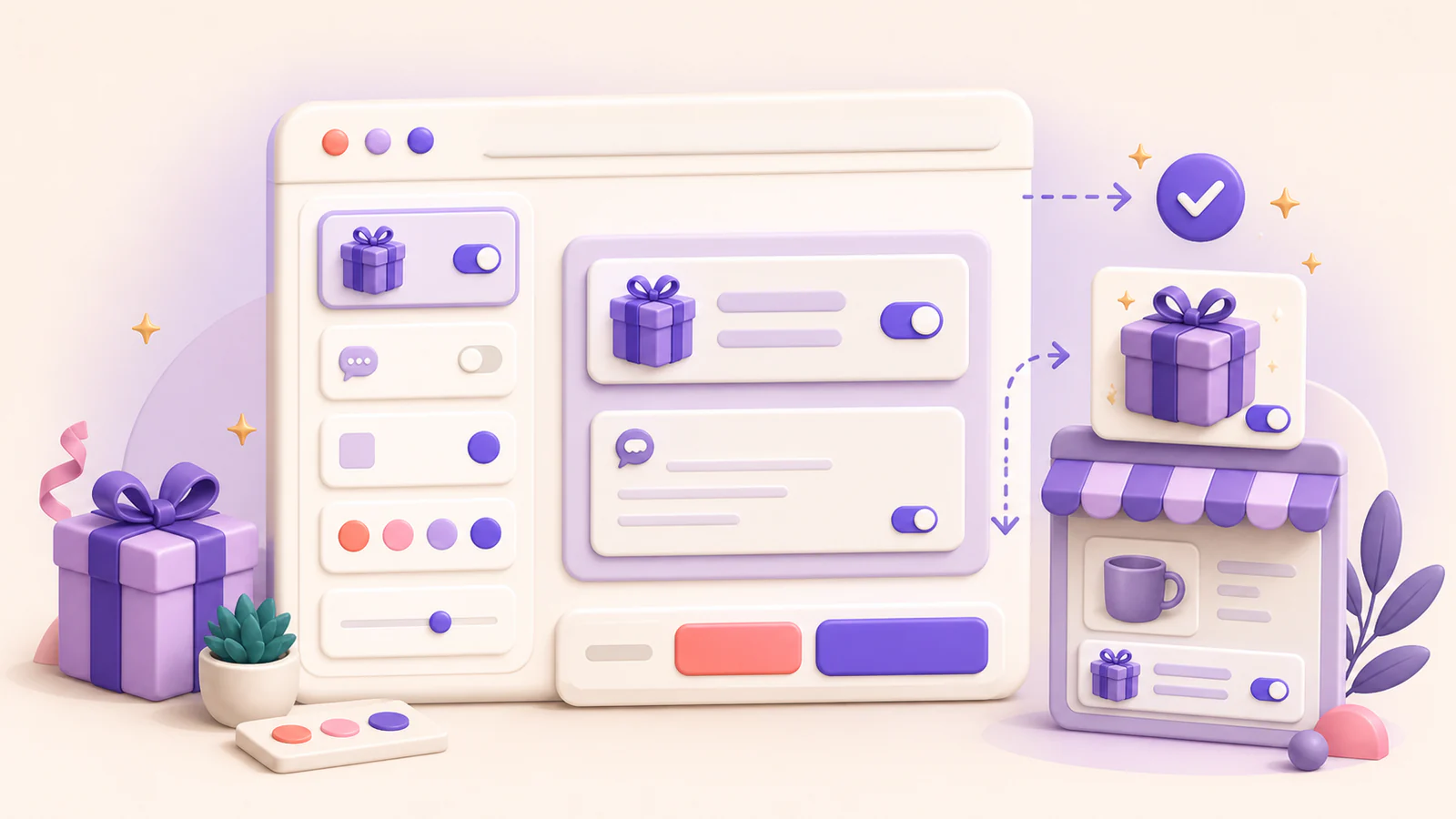
The Widget page lets you edit the gift experience and preview changes before they reach the storefront.
Choose where Gifty appears
In Availability, use Enable Gifty.AI on the storefront as the shared on/off switch. Then choose the storefront surfaces for the profile selected in Widget profile:
- Product pages
- Cart
- Cart line items
- Supported cart drawers
- Supported drawer line items
Only enable locations that you have installed and tested in the selected theme.
Use different settings by location
Default contains your existing widget configuration and is checked after custom profiles when its location and any relevant product rules match. Add a custom widget profile when a location needs different copy, fields, add-ons, product rules, or styles.
New custom profiles copy the currently selected configuration with every storefront location turned off. Enable only the locations where the custom profile should apply. If profiles overlap, the newest matching custom profile takes priority, followed by earlier custom profiles and then Default.
For complete creation, priority, language, and testing guidance, open Use widget profiles for different storefront locations in the Widget setup help-center category.
Configure the customer experience
For the selected widget profile, use the editor to:
- Reorder the gift toggle, message, sender, recipient, and add-on areas.
- Edit customer-facing labels, placeholders, validation text, and language profiles for the required locales.
- Decide which gift fields are shown or required.
- Choose eligible gift add-on products when your plan includes them.
- Adjust the available visual settings while checking the live preview.
The storefront enable switch and order tag automation are shared across widget profiles. Your edits remain a local draft while you work. Select Discard to restore the last saved configuration.
Publish changes
Select Save when the preview is ready. Gifty saves every profile together and publishes the configuration to the storefront. Check the publication badge, then test the enabled storefront locations in the active theme.
If publication reports a failure, keep the last known working storefront configuration in place and contact Gifty support with the approximate time and affected page.